Course

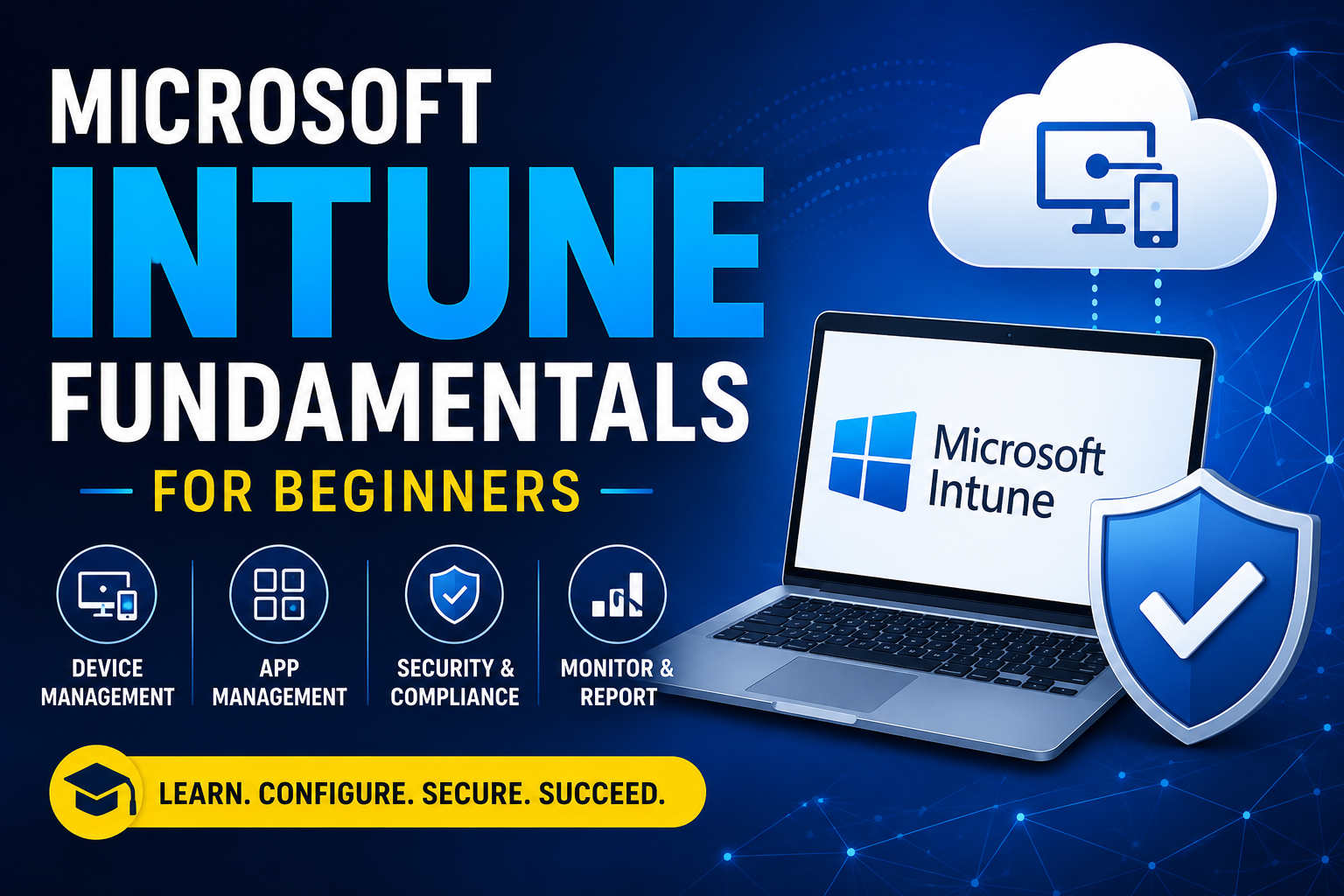
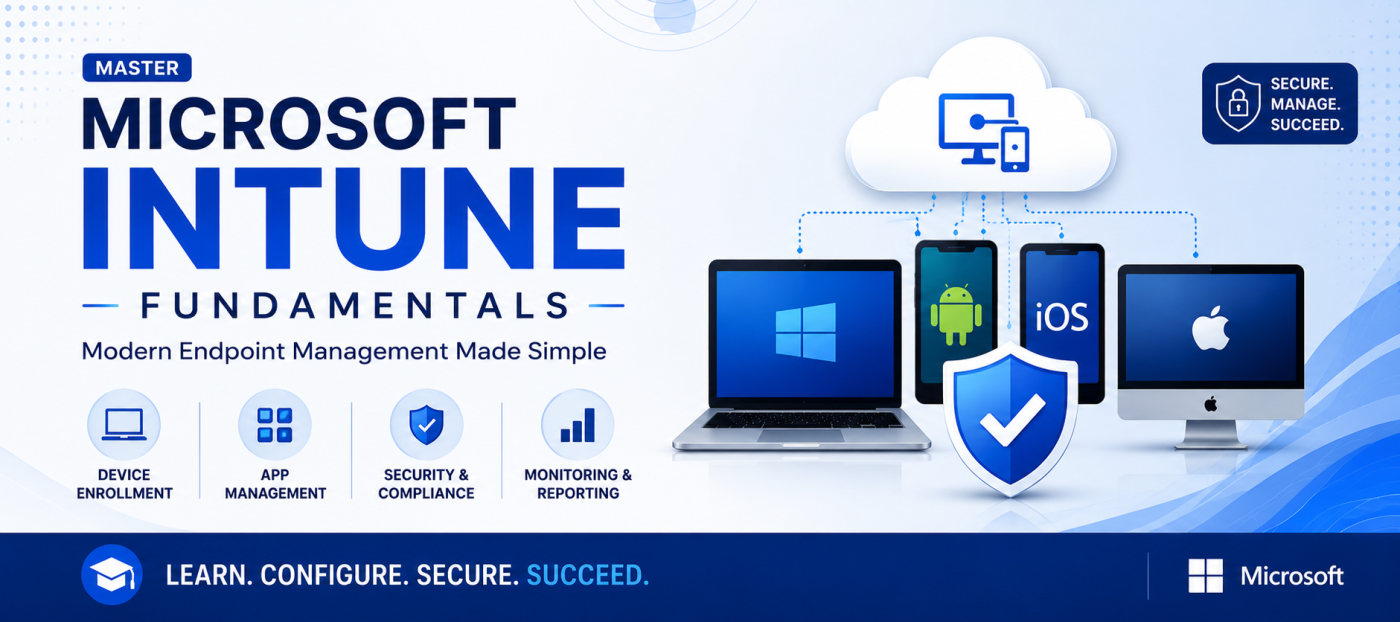
Microsoft Intune Fundamentals

Learn the fundamentals of Microsoft Intune and modern endpoint management. This course introduces device management, application deployment, security policies, compliance, and endpoint protection using Microsoft Intune. It is designed for beginners who want to start a career in IT administration or endpoint management.
Live Training Hours 0.00 hours
Start Date 29 Jun, 2026
Microsoft Intune Fundamentals

Course Overview

Prerequisites

  • Basic knowledge of Windows operating system
  • Basic understanding of networking concepts
  • Familiarity with Microsoft 365 is helpful but not required


    Learning Outcomes


    By the end of this course, students will be able to:

    • Understand Microsoft Intune architecture
    • Configure Microsoft Intune tenant
    • Enroll Windows, Android, iOS, and macOS devices
    • Create compliance and configuration policies
    • Deploy applications using Intune
    • Configure security and endpoint protection
    • Monitor devices and generate reports
    • Troubleshoot common Intune issues

Course curriculum

  • What is Microsoft Intune?

  • Features and Benefits

  • Creating an Intune Tenant

  • Microsoft Entra ID Integration

  • Windows Enrollment

  • Android Enrollment

Pre-Requisites

  • Basic knowledge of Windows operating systems
  • Basic understanding of computer networking
  • Familiarity with Microsoft 365 is helpful but not mandatory

Course Outcomes

  • Microsoft Intune fundamentals, Compliance policies
  • Device enrollment, Configuration profiles
  • Application deployment, Endpoint security
  • Device monitoring and reporting Basic troubleshooting

FAQ

This course is designed for beginners, IT support professionals, system administrators, help desk engineers, and anyone interested in learning Microsoft Intune.

No. This is a beginner-level course, and no prior experience with Microsoft Intune is required.

The course includes both theoretical concepts and hands-on practical demonstrations to help you gain real-world experience.

Yes. A Certificate of Completion will be provided after successfully completing all lessons, quizzes, and assessments.

Additional Info

Course Details

Who Should Enroll?

  • Beginners in IT
  • IT Support Engineers
  • Help Desk Engineers
  • System Administrators
  • Desktop Support Engineers
  • Microsoft 365 Administrators
  • Students interested in Cloud Technologies


Career Opportunities

  • Microsoft Intune Administrator
  • Endpoint Administrator
  • IT Support Engineer
  • Desktop Administrator
  • System Administrator
  • Microsoft 365 Administrator

$80.00 $100.00

... Buy Now Enquiry
  • Course Type

    Modular
  • ...

    Expiry period

    Lifetime
  • ...

    Certificate

    yes
Share :
Whatsapp icon

Try scrolling the rest of the page to see this option in action.