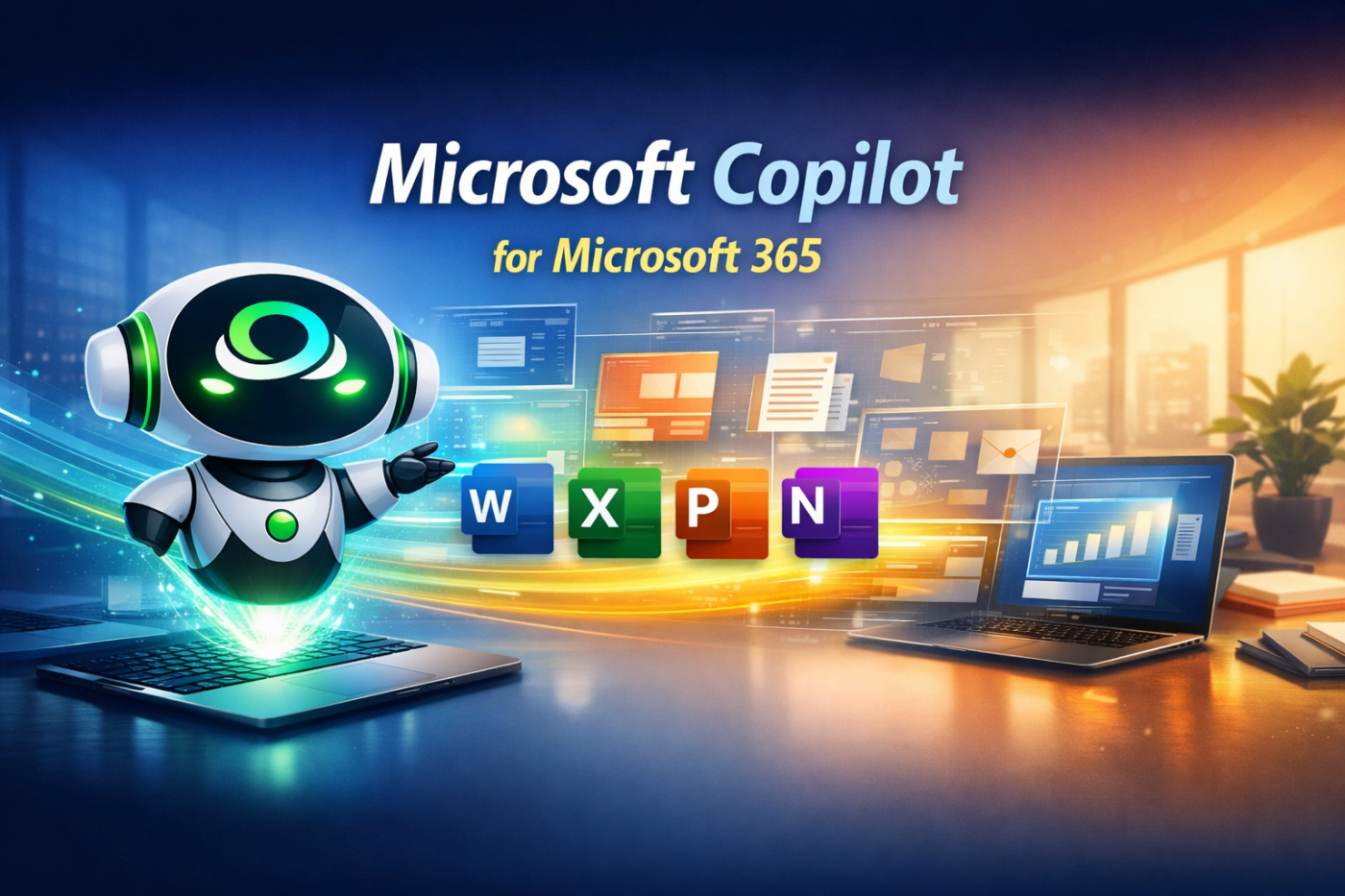
Microsoft Copilot is Microsoft's AI-powered assistant built into Microsoft 365 applications. It helps users write documents, analyze spreadsheets, create presentations, summarize emails and meetings, and automate daily work with simple prompts.
This course provides a practical introduction to Microsoft Copilot, covering prompt writing, AI-assisted content generation, Excel analysis, presentation creation, email management, and collaboration using Teams.
By the end of this course, you'll confidently use Microsoft Copilot to save time, improve productivity, and enhance your daily workflow.
Introduction to Microsoft Copilot
Writing Effective AI Prompts
Copilot in Excel and PowerPoint
Copilot in Outlook and Microsoft Teams
Need to post reviews.
Be the first to share your experience.
Course Type
Flagship

Expiry period
Lifetime
Certificate
yes| Feature | CuriousCode Academy Flagship Program | Other Comparable Providers | Typical Self-Paced Online Course |
|---|---|---|---|
| Live Expert-Led Classes | ✓ Industry-best quality and quantity of live, interactive learning | ✓ Usually limited live sessions - most offer a blended model | ✕ Mostly pre-recorded videos |
| Experienced Industry Trainers | ✓ | ✓ | ! Varies |
| Structured Learning Journey | ✓ Comprehensive curriculum designed by professionals | ! Varies - focus on finishing the course | ! Often self-directed |
| Hands-On Assignments | ✓ Extensive practical exercises | ✓ | ! Limited |
| Live Q&A During Sessions | ✓ Every session | ✓ | ✕ Not included |
| Students per Cohort | ✓ Max 15 | ! Often high | - |
| Personalised Doubt Resolution | ✓ Throughout the program | ! Varies | ✕ Limited or forum-based |
| 3 Months Post-Program Support | ✓ Included | ✕ Usually limited or not included | ✕ Not included |
| Placement Support | ✓ Included | ! Varies | ✕ Not included |
| Interview Preparation | ✓ Included | ! Often optional | ✕ Not included |
| Career Mentoring | ✓ Personal guidance | ! Limited | ✕ Not included |
| Lifetime Access to Learning Resources | ✓ Included | ! Varies | ! Often time-limited |
| Digital Achievement Badges | ✓ Included | ! Varies | ! Varies |
| Academy Certificate | ✓ Included | ✓ Included | ✓ Usually included |
| Professional Learning Community | ✓ Ongoing access | ! Limited | ✕ Minimal |
| End-to-End Learning Experience | ✓ From learning to career support | ! Primarily focused on course delivery | ✕ Self-learning only |





Try scrolling the rest of the page to see this option in action.